
Relevant offer
Give the reader something useful for this topic.
Use AI to create a relevant lead magnet for your article. Add an inline offer, popup, or sidebar form so interested readers can take the next step while the topic is fresh.
14-day free trial No credit card requiredA checklist to help turn the article into action.
A checklist to help turn the article into action.
A checklist to help turn the article into action.
Interactive example. No personal data is collected.
Give the reader something useful for this topic.
Choose an inline offer, popup, or sidebar.
Let interested readers share their details on the blog.
Explore real lead capture examples, from the reader-facing offer to the controls behind it.
A blog analytics article offers a measurement checklist while the reader is thinking about how to apply the advice.
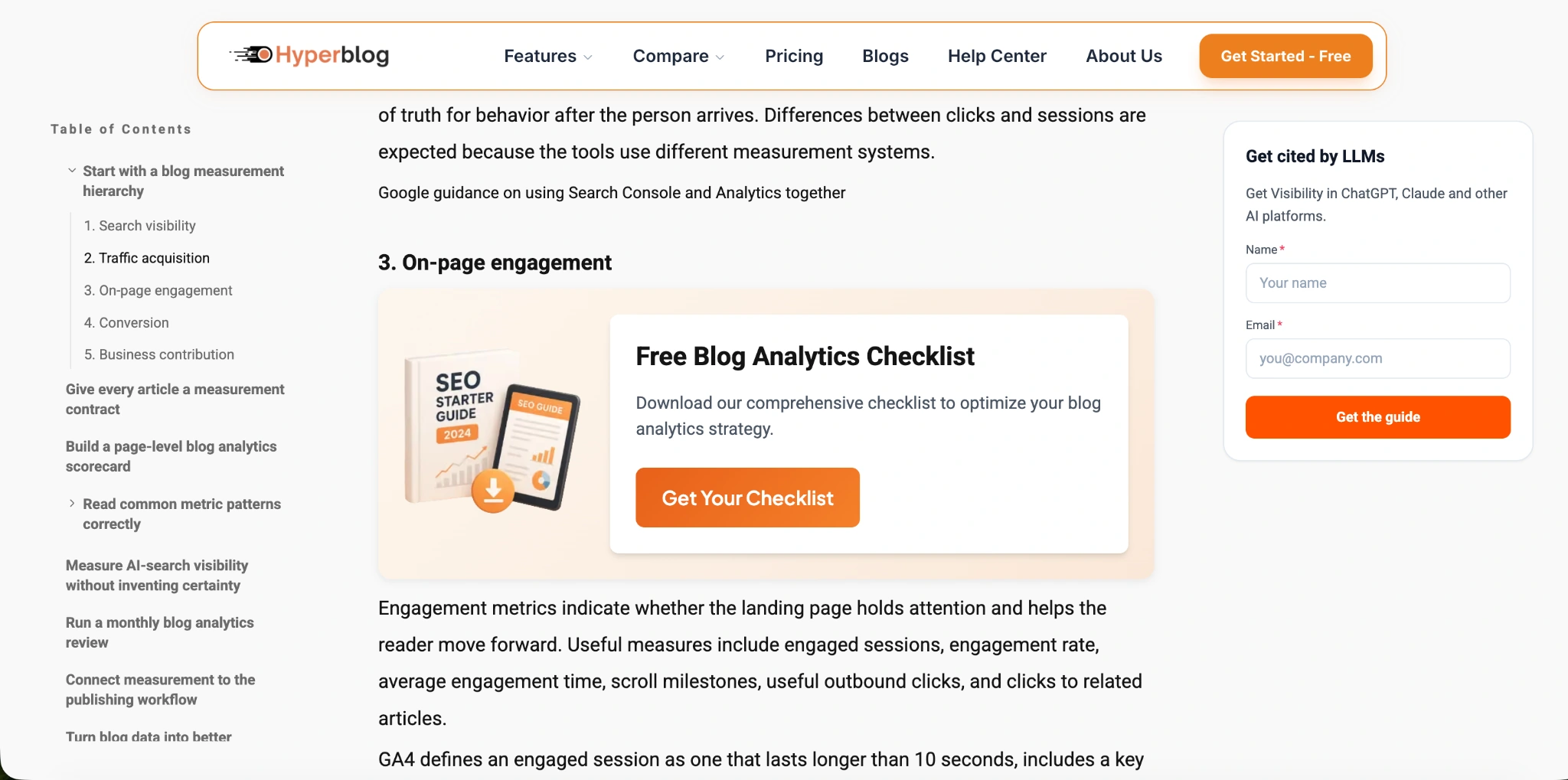
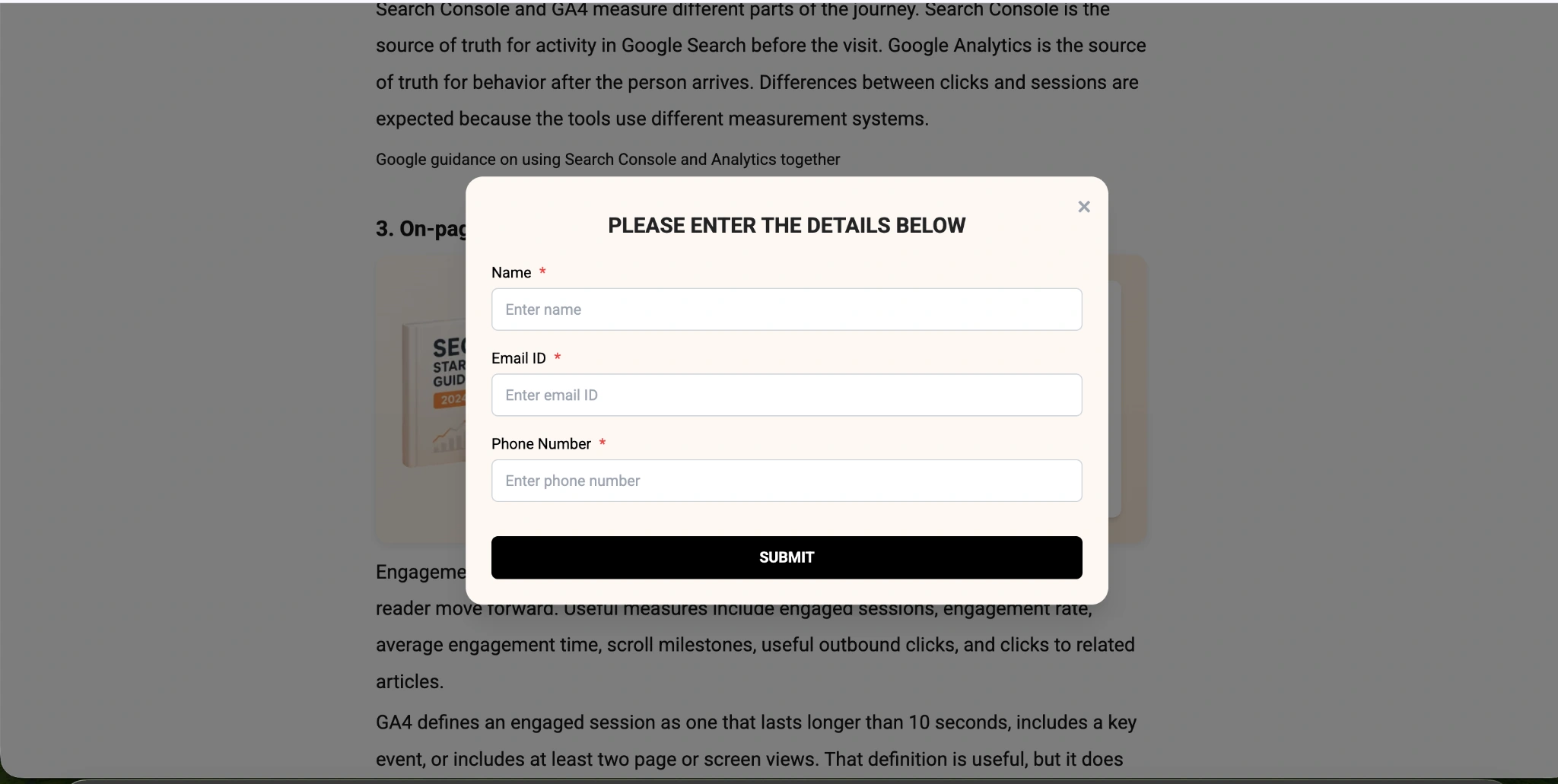
Readers can enter their details in the blog's lead capture form. This is the form opened from an actual offer on Hyperblog's blog.
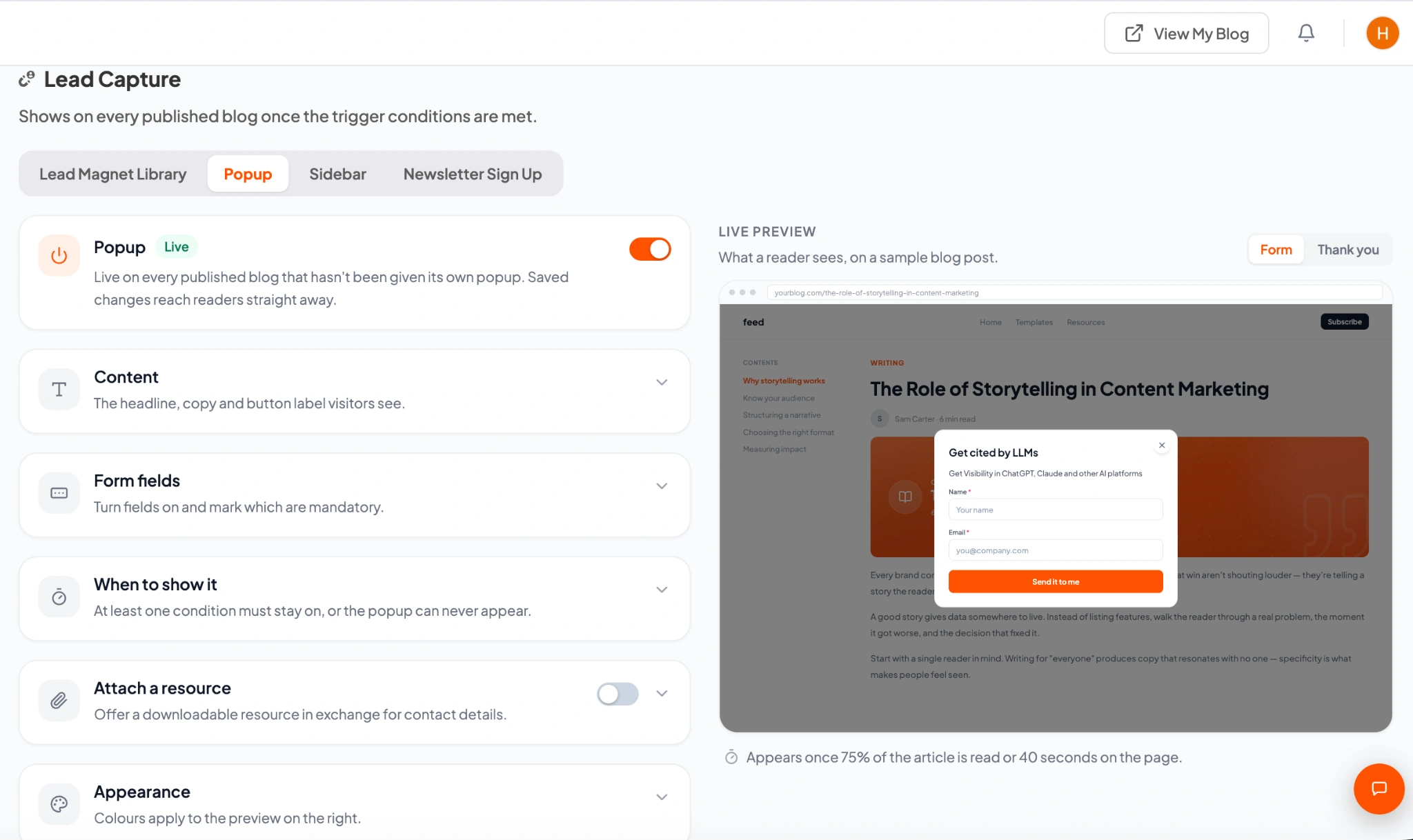
Configure a popup for the post and preview its content before it reaches your readers.
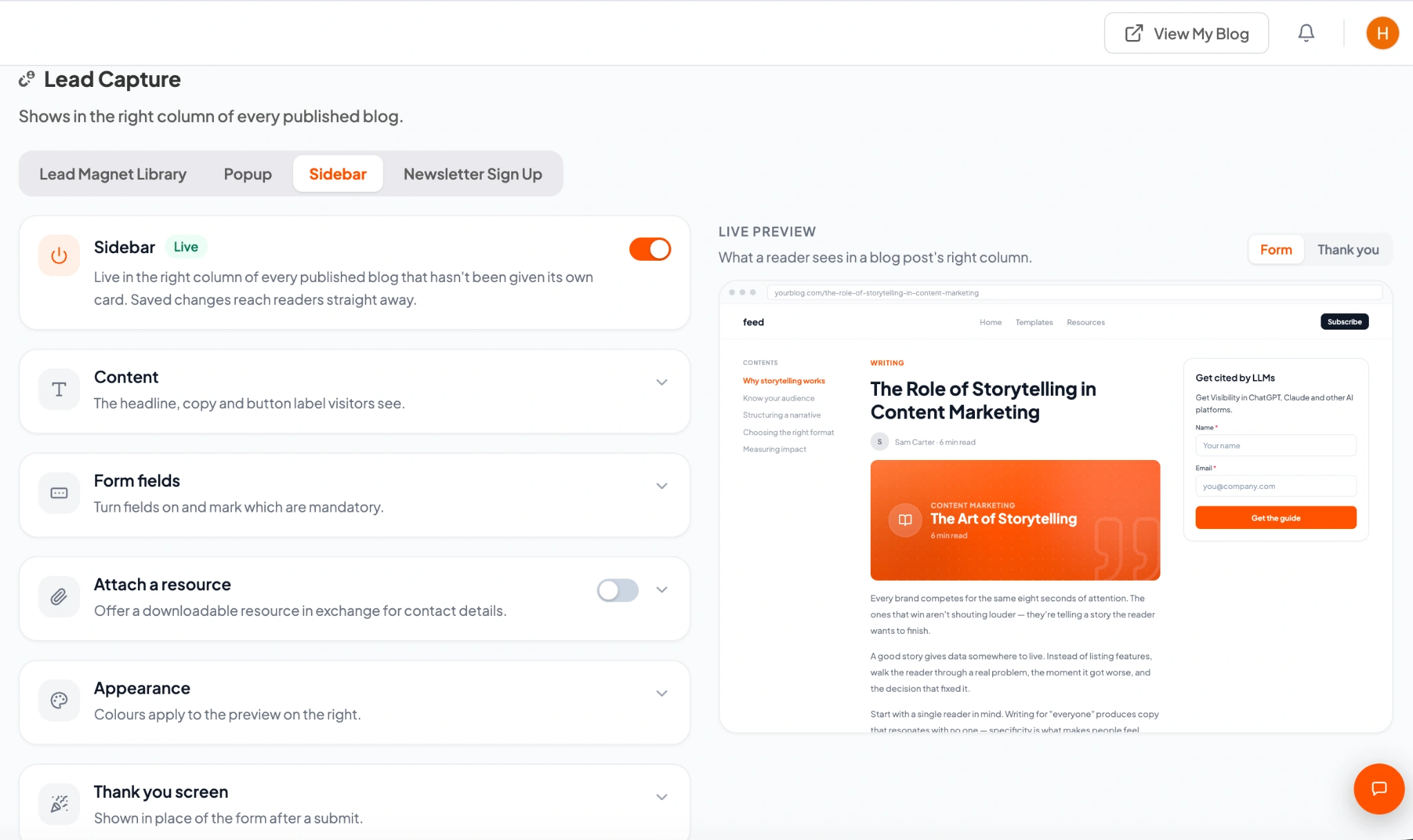
Use a sidebar offer when you want the reader to have an ongoing way to take action as they explore the article.
A checklist or guide that fits the article gives readers a concrete reason to share their details.
Use inline, popup, and sidebar formats to give the offer a place that suits the reading experience.
Review the article and its lead capture settings together, instead of treating the offer as an afterthought.
Make it possible for interested readers to identify themselves, so useful content can lead to a follow-up.
Match a guide or checklist to the question the article answers.
Configure the inline offer, popup, or sidebar and review the preview.
Check the offer and form from the reader's perspective before going live.
It is a resource, such as a guide or checklist, that relates to the article the visitor is reading. The topic gives the offer a useful reason to be there, rather than showing the same generic message everywhere.
Hyperblog supports offers inside posts, popup placements, and sidebar lead capture. Explore the examples on this page to see the reader experience and configuration screens.
Yes. The lead capture settings include previews. Review the message, placement, and form as part of checking the post before it goes live.
Start with the action a reader wants to take after finishing the article. A measurement guide might offer a reporting checklist; a planning article might offer a template. A specific, relevant resource gives the visitor a clear reason to take the next step.
Build a post with a relevant offer in your 14-day free trial.
14-day free trial