
Get found.
Give readers a next step.
Publish useful content, support it with SEO and visuals, and give interested readers a reason to connect. All in one blog CMS.
Start with a 14-day free trialYour post is ready. Give it the SEO to match.
Bring meta tags, schema, SEO checks, and AI-readable content into your publishing workflow. See what needs attention and make improvements in the same place you write.
Explore seo & ai search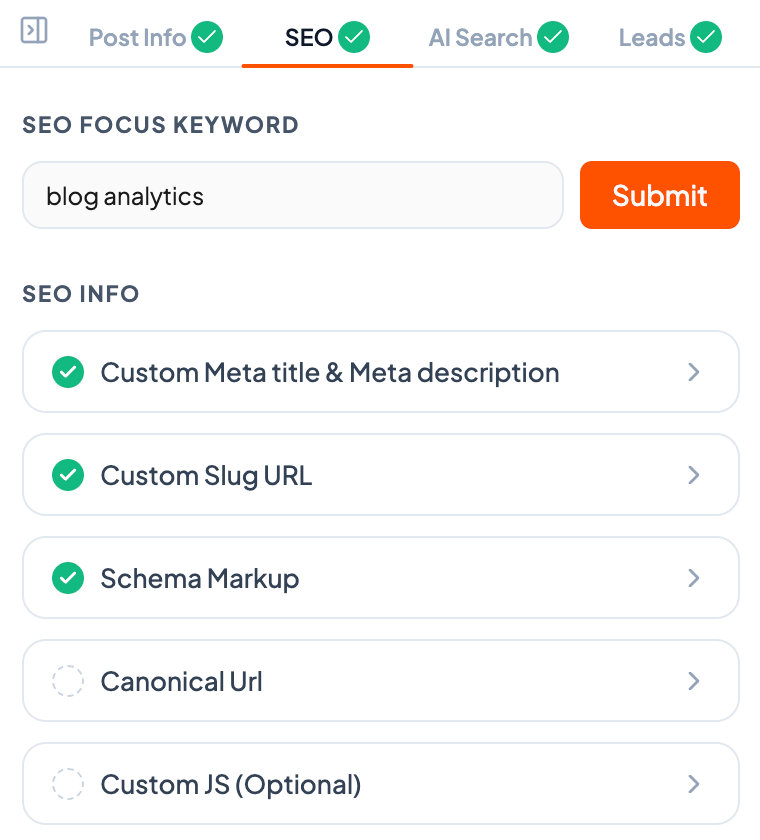
Your reader found the answer. Give them a next step.
Use AI to create a relevant lead magnet for your article. Add an inline offer, popup, or sidebar form so interested readers can take the next step while the topic is fresh.
Explore lead captureMeasure what your blog makes possible.
Put your blog measurement plan into practice.
A checklist to help turn the article into action.
Measure what your blog makes possible.
Put your blog measurement plan into practice.
A checklist to help turn the article into action.
Measure what your blog makes possible.
Put your blog measurement plan into practice.
A checklist to help turn the article into action.
Interactive example. No personal data is collected.
Give your next post a visual worth opening.
Turn your article into a blog banner and supporting infographics. Create visuals in your publishing workflow and keep the results in your Media Library.
Explore blog banners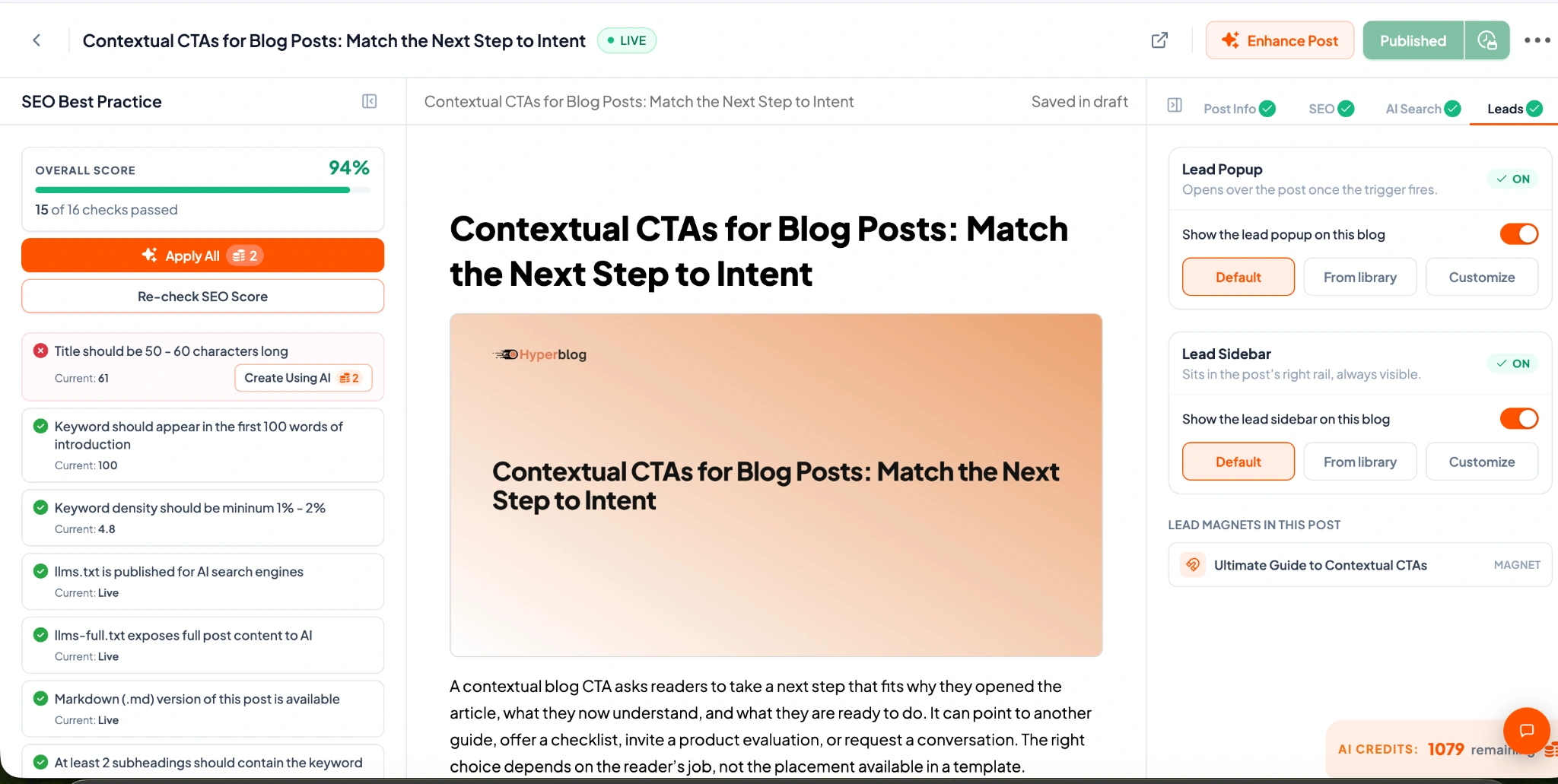
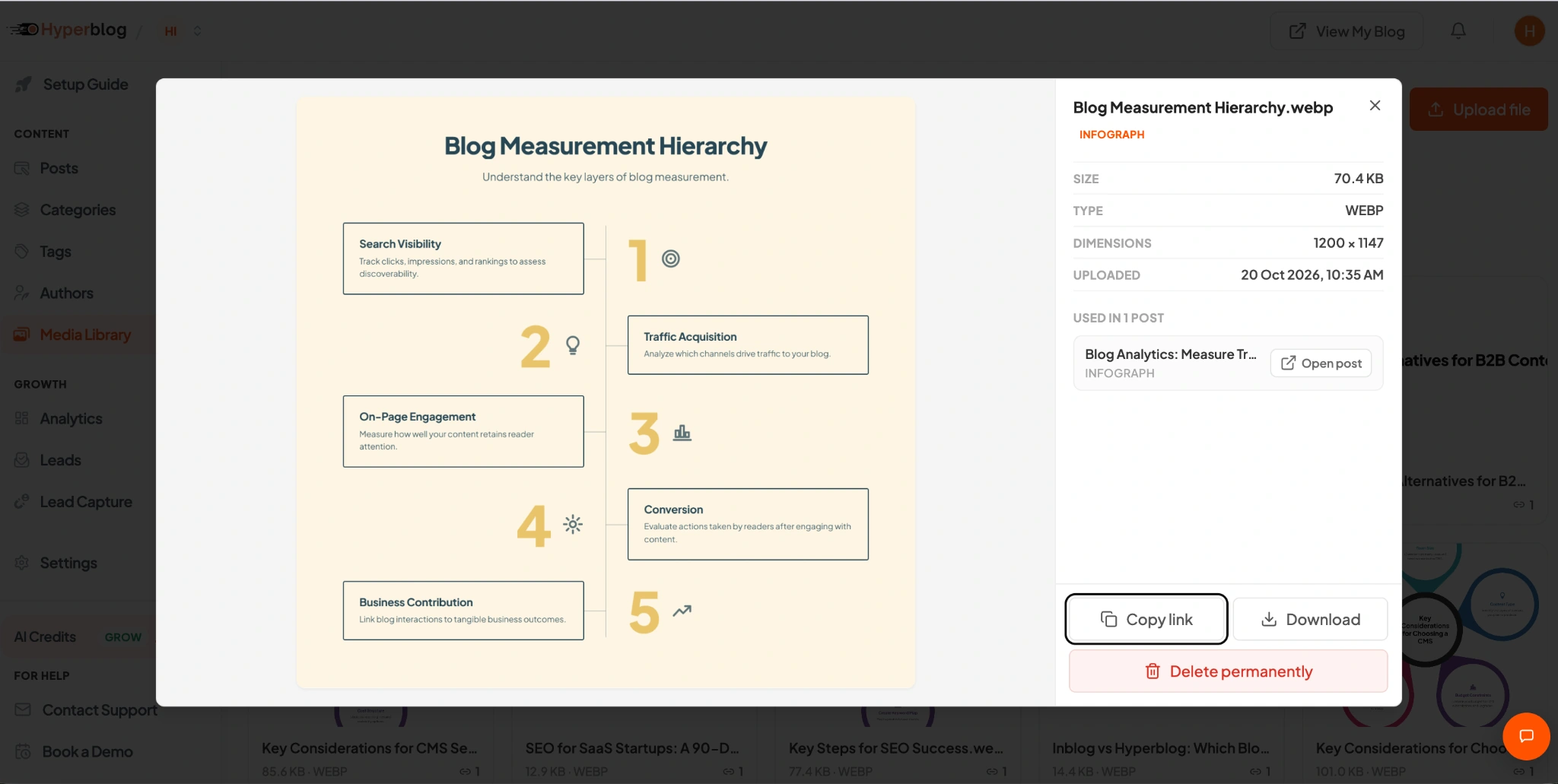
From AI conversation to your published blog.
Connect Hyperblog to a compatible AI assistant such as ChatGPT or Claude. Work on posts, request enhancements, and publish through the conversation you already use.
Explore mcp integrationCreate a draft in my Hyperblog workspace about building a blog measurement plan. Write for marketing teams. Cover search visibility, reader engagement, and lead capture. Save it as a draft so I can review it.
Find my draft about building a blog measurement plan in Hyperblog. Enhance the post with its supporting visuals and SEO details. Keep it unpublished and summarize what changed so I can review it.
Publish the reviewed Hyperblog post titled Building a Blog Measurement Plan. Use the current saved version and return the published URL.
Example prompts. Connect your workspace to run actions.
A blog that feels like part of your website.
Start with a template, shape the reading experience, and bring your own navigation and footer. Connect the blog to your domain so readers stay in a familiar brand experience.
Explore blog designA little insight.
A lot to build on.
A home for your best thinking.
Turn useful ideas into your next opportunity.
Make every post part of the bigger picture.
Interactive design example. See real settings below.
From the first draft to the next conversation.
Choose the part of your workflow you want to improve first.
Give it the SEO to match.
Bring meta tags, schema, SEO checks, and AI-readable content into your publishing workflow. See what needs attention and make improvements in the same place you write.
Explore the feature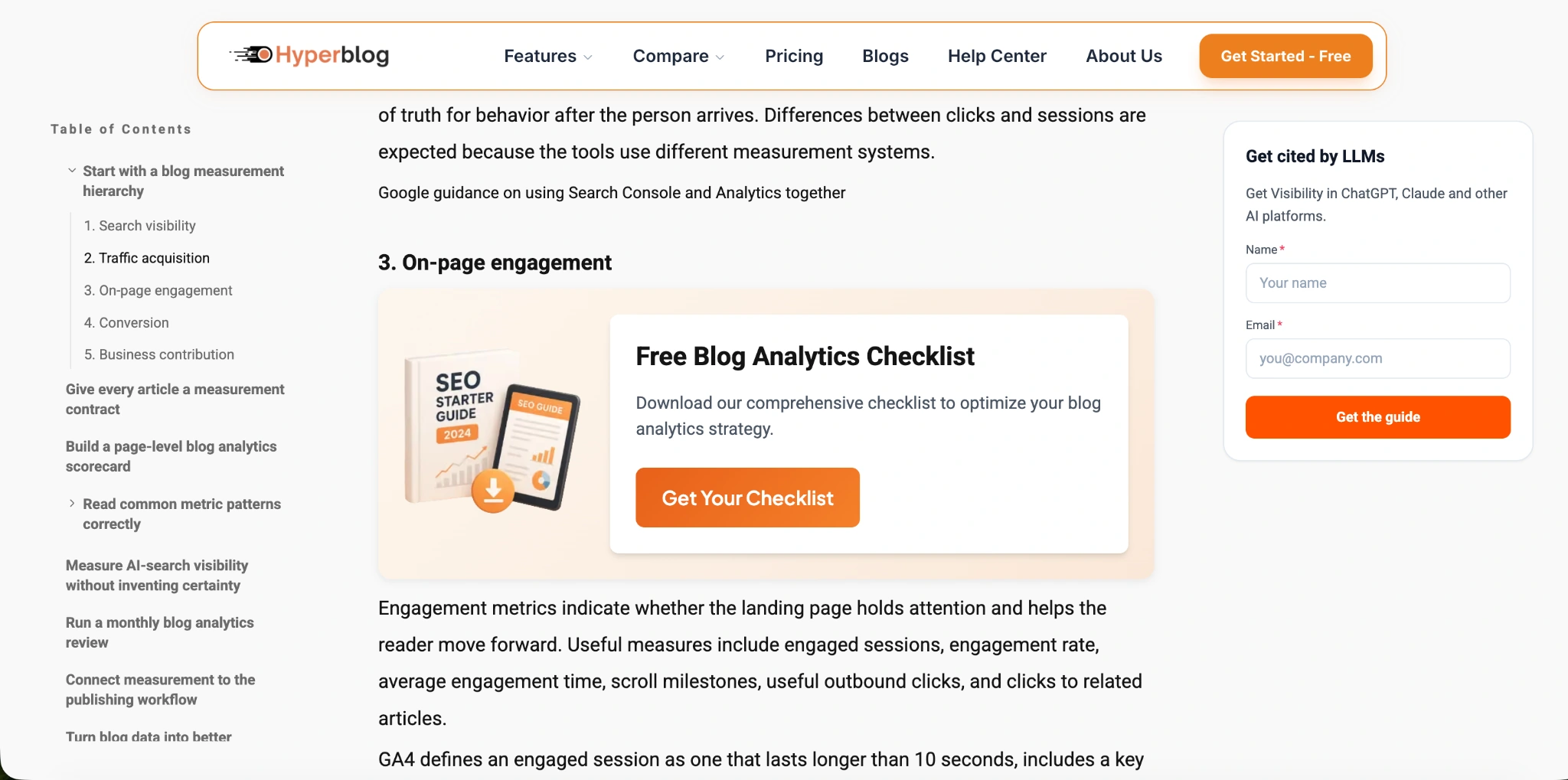
Give them a next step.
Use AI to create a relevant lead magnet for your article. Add an inline offer, popup, or sidebar form so interested readers can take the next step while the topic is fresh.
Explore the featureA visual worth opening.
Turn your article into a blog banner and supporting infographics. Create visuals in your publishing workflow and keep the results in your Media Library.
Explore the featureInto a clear visual.
Give readers another way to understand your article. Generate an infographic from your content, review the result, and use it alongside the explanation.
Explore the feature“Create a draft in my Hyperblog workspace.”
Idea → Draft → PublishTo your published blog.
Connect Hyperblog to a compatible AI assistant such as ChatGPT or Claude. Work on posts, request enhancements, and publish through the conversation you already use.
Explore the feature
Like part of your website.
Start with a template, shape the reading experience, and bring your own navigation and footer. Connect the blog to your domain so readers stay in a familiar brand experience.
Explore the featureBuild a blog that does more for your business.
Start with one post. Explore the full workflow in your 14-day free trial.
14-day free trial